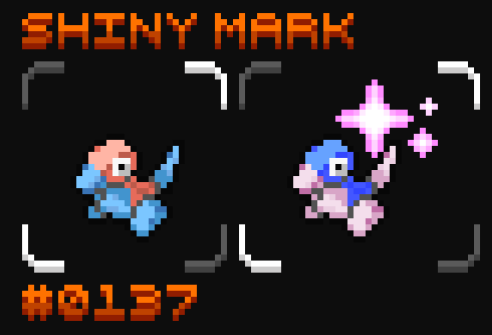
# Helpful Client Side Mods
## E19 - Cobblemon Minimap Icons
1. Curseforge - Download [here](https://www.curseforge.com/minecraft/texture-packs/e19-cobblemon-minimap-icons)
2. Modrinth - Download [here](https://modrinth.com/resourcepack/e19_cobblemon_minimap_icons)
### Setting Up Minimap Icons in Game
**Resource Packs**
* In game: once downloaded, make sure the resource pack is activated!
**Keep Entity Icons Visible**
* In game: press "Y" to open the "Minimap Settings".
* Select "Entity Radar Settings".
* Change "Display Icons" to "Always".
* Adjust "Entity Icon Scale" to a size that‘s convenient for you.
* Shiny Pokemon will display on the map!
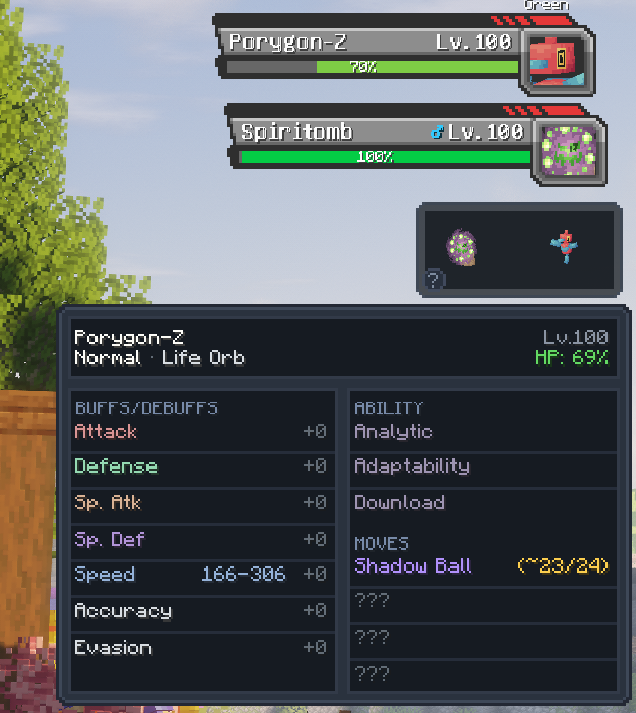
### Cobblemon Extended Battle UI
1. Download the .jar file from [here](https://github.com/sveniik/CobblemonExtendedBattleUI/releases) and place it in your Mods folder
2. Read up on what you can do with it [here](https://github.com/sveniik/CobblemonExtendedBattleUI)!